Regional Language Voiceover in India: A Practical Guide
People trust content in their own language. AI makes regional voiceovers fast and affordable, but quality needs checking. Here is how to do it well in Bengali, Marathi, Tamil, Telugu and more.
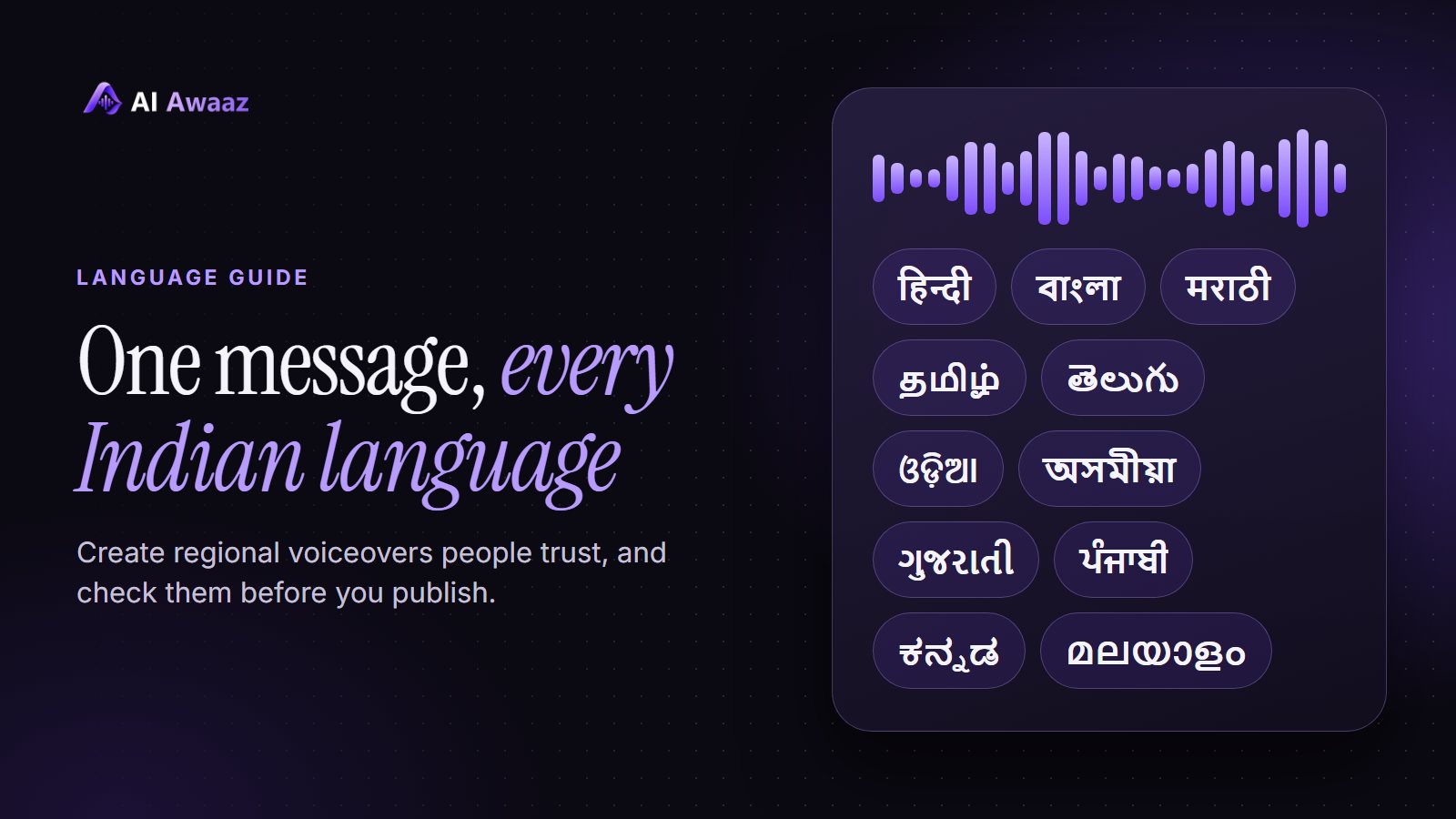
India does not speak one language. If your video is only in English or Hindi, you are leaving out many people who would connect far more strongly in Bengali, Marathi, Tamil, Telugu, Kannada, Malayalam, Gujarati, Punjabi, Odia or Assamese.
Traditional dubbing means finding a voice artist for each language, booking a studio and waiting. AI voiceover makes the first version possible in minutes. But speed is only useful if the result sounds right to a native speaker. This guide explains how to get there.
Why regional voiceover is worth the effort
- Trust: people listen differently when they hear their own language.
- Reach: one good video can serve several states.
- Lower cost per language: you can test a new language before spending on a full campaign.
- Faster updates: when a price or offer changes, you can make a new version without booking anyone.
Good uses include ads for local markets, product explainers, government or NGO awareness videos, training for field staff, school lessons and YouTube channels that want a second audience.
Start with the script, not the voice
Most regional voiceovers fail because of the script. A word for word translation often sounds like a textbook.
Follow these rules:
- Translate for meaning. Ask a native speaker to rewrite the idea the way people really say it.
- Use everyday words. Formal or Sanskrit-heavy words can feel distant in a Reel.
- Write in the correct script. Use Bengali letters for Bengali and Tamil letters for Tamil. Do not rely on Roman spelling if you can avoid it, because the voice has to guess the pronunciation.
- Keep sentences short. Short lines are easier to speak naturally in every language.
- Check names and brand words. Decide how your brand name should sound, then test it.
Do not ship a machine translation without a person reading it first.
Tell the tool which language to speak
Some scripts are shared between languages. Marathi and Hindi both use Devanagari letters, and Assamese and Bengali use very similar letters. If the tool has to guess, it can guess wrong.
So when a tool lets you choose the spoken language, choose it. On AI Awaaz, the Spoken language option does this. Auto-detect works for many scripts, but selecting the language yourself is the safest choice for regional content.
Expect quality to vary
It is better to know this before you start. AI voices today are usually strongest in English and Hindi. In other Indian languages, results can change from one language to another and from one voice to another. A voice that is excellent in Hindi may sound less natural in Telugu, while another voice does better.
That is normal, and the fix is simple: test several voices in the language you need. Do not assume your favourite Hindi voice is the right one everywhere.
If you want the closest match to a language, try a voice made for it. Voices sound most natural in the language they were created in, so a voice you make through voice design or voice cloning in that language is often worth testing. Only clone a voice with the owner's clear permission.
Always get a native speaker to listen
This is the most important step, and it costs very little. Software can check that the words are there, but it cannot tell you whether a line feels natural, or whether a word sounds odd in Pune but fine in Nagpur.
Ask a native speaker these questions:
- Did you understand everything the first time?
- Did any word sound wrong or strange?
- Does the speaker sound like a real person from your region?
- Would you keep watching this video?
Even one friend or customer who speaks the language can save you from an embarrassing mistake. Listen for dialect too. Tamil, Bengali and Hindi all sound different across regions, so think about where your audience actually lives.
Fixing a line that sounds wrong
When one word or line does not sound right, you usually do not have to give up on the whole voice. Try these in order:
- Spell the word differently, or write a difficult English word in the local script.
- Replace a formal word with a simpler one.
- Split a long sentence into two.
- Slow the voice down slightly.
- Try another voice.
A simple workflow for your first video
- Write your script in the language you know best.
- Have a native speaker adapt it into the target language.
- Generate the same script with three voices, and select the spoken language.
- Ask the native speaker to choose the best one and mark any wrong words.
- Fix those lines and make the final audio.
- Publish to a small audience first and read the comments.
Once this works for one language, repeat it for the next one.
Frequently asked questions
Which Indian languages can AI voiceover speak?
It depends on the tool. Many now cover Hindi, Bengali, Marathi, Tamil, Telugu, Kannada, Malayalam, Gujarati, Punjabi, Odia and Assamese. Always test the one you need.
Can I use one voice for many languages?
Often yes, but it may sound better in some languages than others. Test a few voices in each language instead of assuming.
Do I still need a translator?
For anything important, yes. AI can speak the script, but a native speaker should make sure the words themselves feel right.
Try it in your language
AI Awaaz is built for Indian creators, with multilanguage voices, Indian language options and plans in rupees. Start by listening to the voices, then test your own lines. If you are comparing options, read how to choose the best AI voiceover in India and how to pick a natural AI voice.